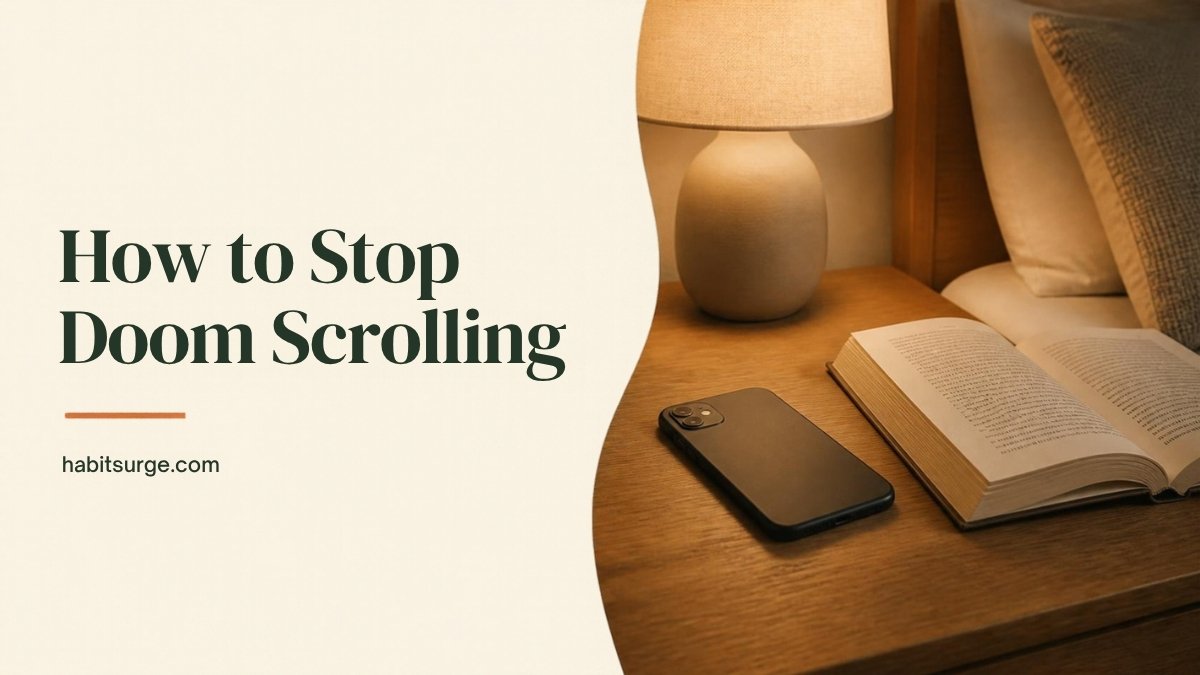
How to Stop Doom Scrolling: 12 Ways to Break the Endless Scroll
To stop doom scrolling, make scrolling harder and stopping easier: keep your phone out of the bedroom, remove the apps that pull you in most, set a fixed time window for news and social media, and replace the scroll with a small, specific action you can do instead. You don’t need more willpower. You need fewer triggers and a better default.
Doom scrolling is the habit of endlessly scrolling through bad news, outrage or anxious content, even though it makes you feel worse. It usually starts with a quick check and ends an hour later with a tight chest, a later bedtime and nothing to show for it.
If that sounds familiar, you’re not weak or broken. Feeds are designed to be hard to put down. This guide explains why it happens and gives you 12 ways to stop, starting tonight.
In this guide
Why Is Doom Scrolling So Hard to Stop?
Three things work together to keep your thumb moving.
- Unpredictable rewards. Most posts are dull, but every so often you find something surprising, funny or alarming. Not knowing when the next “hit” will come is exactly what makes a behavior hard to stop.
- No natural stopping point. A book has chapters. A TV episode ends. An infinite feed never does, so the decision to stop is always yours, and you have to make it again every few seconds.
- Threat-checking. When the news is scary, your brain treats more information as more safety. Scrolling feels like preparing. In reality, the fifth article about the same event rarely tells you anything new. It just keeps you on alert.
Add tiredness, boredom or stress, and the habit runs on autopilot. That is why the fixes below focus on your environment and routines rather than on trying harder.
12 Ways to Stop Doom Scrolling
1. Notice your trigger moments
Doom scrolling usually happens at predictable times: in bed, first thing in the morning, while waiting, or right after a stressful moment. For three days, jot down when you catch yourself scrolling and how you felt just before. You’ll likely find two or three trigger moments that account for most of it. Those are the ones to fix first.
2. Charge your phone outside the bedroom
This single change removes the two worst doom scrolling windows: late at night and before you get out of bed. Buy a cheap alarm clock, charge your phone in the kitchen or hallway, and make the bedroom a scroll-free zone. If that feels too extreme, start by charging it across the room so you have to get up to reach it.
3. Delete the worst app from your phone
You don’t have to quit social media. Just move the app that pulls you in most to the browser on your computer. The extra friction of logging in on a laptop is often enough to break the reflex. Many people find they barely miss it.
4. Set a news window
Decide when you will check the news, for example 15 minutes at 6 p.m., and stick to it. Outside that window, the news can wait. A daily window keeps you informed without letting the news set the mood for your entire day. A good newsletter or a once-a-day summary can replace dozens of anxious checks.
5. Use a 10-minute rule
Before you open a feed, set a timer for 10 minutes. When it rings, close the app, no matter what. A clear limit turns “just checking” into a decision. In one study, students who limited social media to about 10 minutes per platform per day for three weeks reported less loneliness and depression than a control group.
6. Turn off nonessential notifications
Every buzz is an invitation to open the app, and once you’re in, the feed takes over. Go through your notification settings and switch off everything that isn’t from a real person you care about. Keep calls, messages and calendar reminders. Mute the rest.
7. Move apps off your home screen
Put social and news apps in a folder on your last screen. It adds only a few seconds, but it means opening them has to be a choice rather than a reflex. Put useful apps, like your calendar, notes or a reading app, where the tempting ones used to be.
8. Try grayscale mode
Bright colors and red badges are designed to grab your attention. Switching your screen to grayscale (in your phone’s accessibility settings) makes feeds noticeably less appealing. It sounds too simple to work, but many people find it takes the shine off endless scrolling.
9. Decide what you’ll do instead
Telling yourself “don’t scroll” leaves a gap, and the habit rushes back in to fill it. Pick a specific replacement for each trigger moment:
- In bed: read a few pages of a paper book or Kindle
- While waiting: look around, stretch or take three slow breaths
- When anxious: text a friend or take a 5-minute walk
- When bored at home: do a tiny task like washing a mug or tidying one surface
This is the same idea behind habit stacking: attach the new behavior to the moment the old one used to happen.
10. Use if-then plans
Write a simple rule: “If I reach for my phone in bed, then I’ll put it on the floor and pick up my book.” Plans like this, called implementation intentions, help you act automatically in the moment, when willpower is weakest. Research across many studies has found them effective for following through on goals.
11. Curate your feed
Unfollow or mute the accounts that leave you anxious or angry, even if you feel you “should” follow them. Follow a few that make you feel calm, curious or inspired. You’re not hiding from the world. You’re choosing what gets your attention.
12. Track your scroll-free days
Pick one small rule, like “phone out of the bedroom”, and track it daily. Seeing a streak grow is motivating, and a missed day becomes useful information rather than a failure. You can use our free habit tracker for this.
A Simple Bedtime Plan to Stop Scrolling at Night
Night is when doom scrolling does the most damage, because it costs sleep and makes the next day harder. Try this sequence:
- One hour before bed, plug your phone in outside the bedroom.
- Set out tomorrow’s essentials so you’re not tempted to check the phone “just for a second”.
- Do something calming that doesn’t involve a screen: read, stretch, shower or write tomorrow’s top three tasks.
- If you wake up at night, don’t reach for a phone. If you can’t sleep after about 20 minutes, get up and read in dim light until you feel sleepy.
For a full routine, see our night routine checklist.
What to Do When You Catch Yourself Doom Scrolling
You will slip, especially in the first few weeks. When you notice you’ve been scrolling for a while:
- Pause and name it. Say to yourself, “I’m doom scrolling.” Naming the habit breaks the trance.
- Check in with your body. Are your shoulders tight? Is your breathing shallow? Take three slow breaths.
- Ask what you need. Rest? Connection? Reassurance? A break from work?
- Put the phone down and do one small thing that meets that need.
No guilt required. Each time you catch it, you’re strengthening the skill of stopping.
Is Doom Scrolling Bad for Your Mental Health?
Scrolling itself isn’t harmful in small doses. The problem is the amount, the timing and the content. Large amounts of distressing news are linked to higher stress and anxiety, and late-night phone use can push back your bedtime and reduce sleep.
Research suggests that cutting back can help. In a large experiment, people who deactivated Facebook for four weeks spent less time online and reported small but meaningful improvements in well-being. Another study found that even having your phone in sight can reduce how much attention you have available for a task.
If you’re scrolling because you feel low, anxious or unable to stop, and it’s affecting your daily life, consider talking to a doctor or therapist. That’s a strong step, not a failure.
Frequently Asked Questions
What is doom scrolling?
Doom scrolling is spending a long time scrolling through negative news or social media content, even though it makes you feel worse. It often happens late at night or during stressful periods.
Why can’t I stop doom scrolling?
Feeds have no natural stopping point and deliver unpredictable rewards, which makes them hard to put down. Stress and tiredness make it worse, because your brain treats more information as more safety.
How long does it take to break the doom scrolling habit?
Most people notice a difference within a week or two of changing their environment, for example by charging the phone outside the bedroom. Making the new pattern feel automatic usually takes longer, often a couple of months.
Is it better to quit social media completely?
Not necessarily. For most people, limiting when and where they scroll works better than quitting outright. If one app consistently makes you feel bad, removing it from your phone is a good middle ground.
What can I do instead of doom scrolling?
Choose a specific replacement for each trigger moment: reading in bed, a short walk when anxious, a few breaths while waiting, or texting a friend when you feel lonely.
References
- Allcott, H., Braghieri, L., Eichmeyer, S., & Gentzkow, M. (2020). The welfare effects of social media. American Economic Review, 110(3), 629–676.
- Hunt, M. G., Marx, R., Lipson, C., & Young, J. (2018). No more FOMO: Limiting social media decreases loneliness and depression. Journal of Social and Clinical Psychology, 37(10), 751–768.
- Ward, A. F., Duke, K., Gneezy, A., & Bos, M. W. (2017). Brain drain: The mere presence of one’s own smartphone reduces available cognitive capacity. Journal of the Association for Consumer Research, 2(2), 140–154.
- Gollwitzer, P. M., & Sheeran, P. (2006). Implementation intentions and goal achievement: A meta-analysis of effects and processes. Advances in Experimental Social Psychology, 38, 69–119.